Dynamic carts, checkout calculations and large catalogues put more load on the server. How CPU, RAM, caching and NVMe affect store response times.
Read the article: Why WooCommerce performance depends on CPU, memory and storage ↗
How our SQL cache memory allocation helps reduce repeat disk reads, and where query design and NVMe storage fit into database performance.
Read the article: Database optimisation: how memory caching reduces disk reads ↗
Site management, update checks and server protection: how WP Toolkit Deluxe and Imunify360 support WordPress security on HyperWP.
Read the article: WordPress security with WP Toolkit Deluxe and Imunify360 ↗
A quick server is a good start. These five measures show what happens next, from the first byte to a page that feels ready.
Read the article: Measuring WordPress performance: page speed and server response ↗
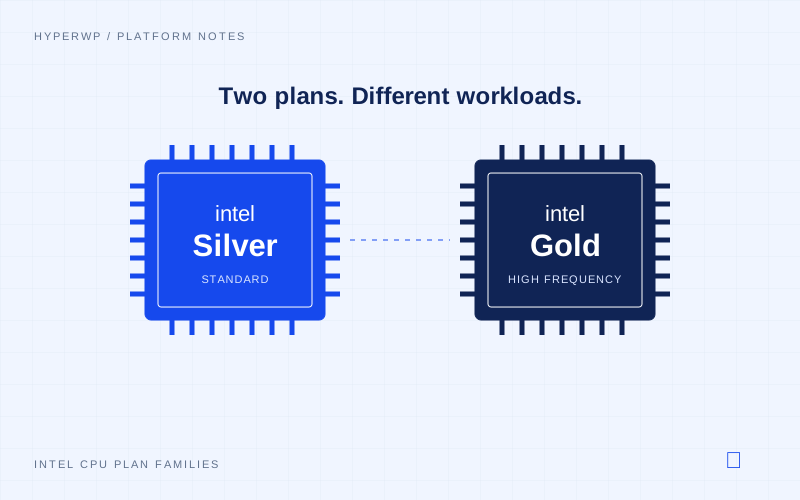
How clock speed, code execution and cache state affect the CPU work behind a WordPress request.
Read the article: Intel Silver and Gold: CPU performance for WordPress ↗

Posts, files and site data need somewhere to live. NVMe gives our platform a fast storage layer, without being a cure for every slow page.
Read the article: NVMe storage and WordPress performance ↗
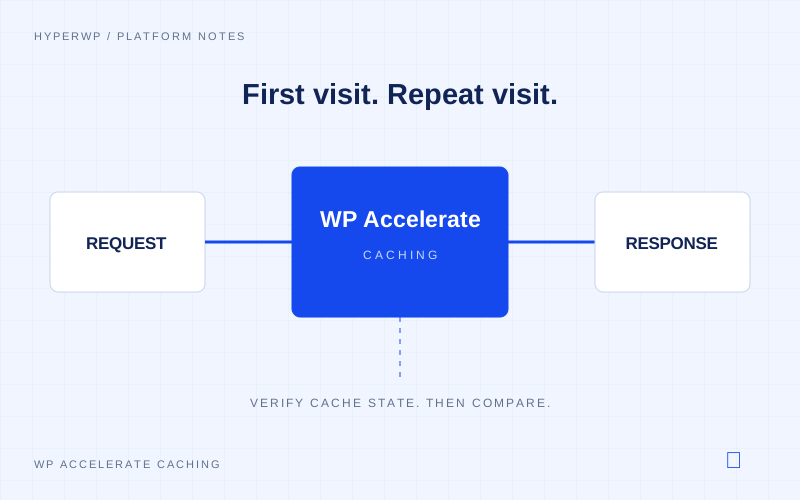
Your server does not need to start from scratch for every visit. Caching helps it reuse work where that is safe and useful.
Read the article: WP Accelerate: reducing repeat work with caching ↗
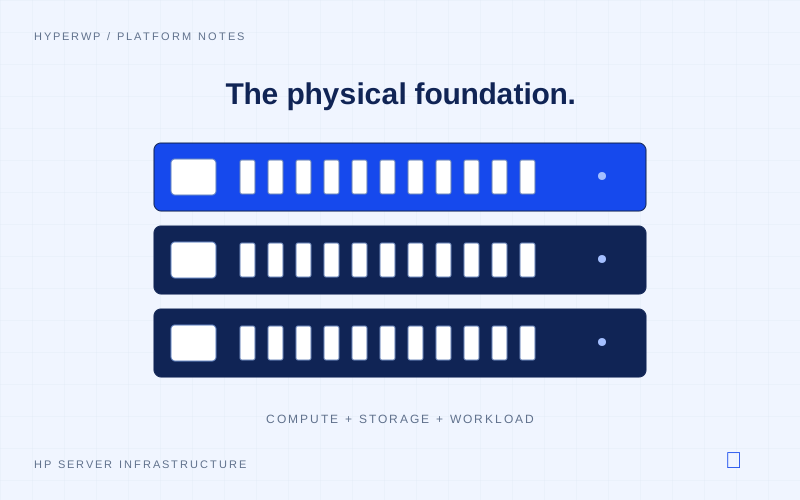
You see the page. Behind it, our HP servers bring CPU power and NVMe storage together to do the work.
Read the article: The HP servers behind your WordPress site ↗
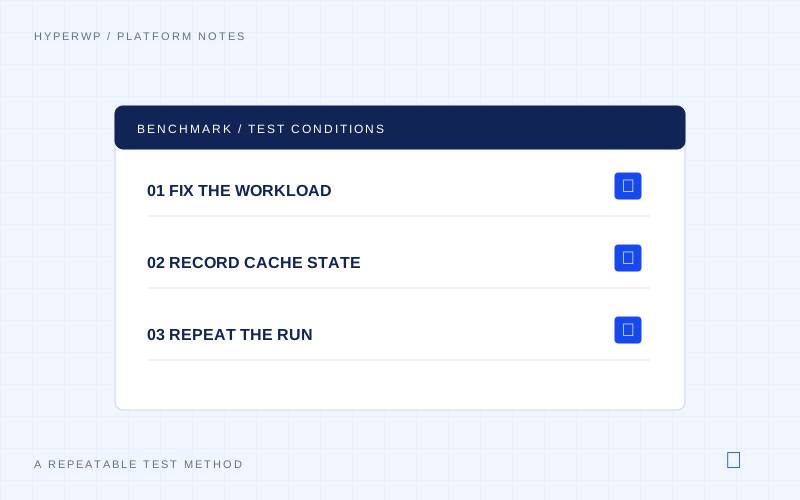
How a stable set of pages, a lightweight theme and known cache states help explain WordPress performance.
Read the article: Why we use a real WordPress site for platform testing ↗
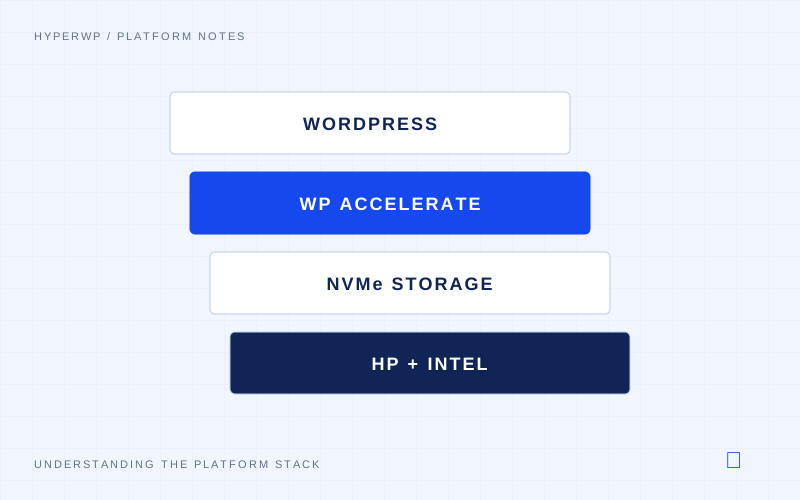
A page feels simple from the outside. Here is how WordPress, caching, CPU power and storage share the work behind it.
Read the article: Inside the HyperWP WordPress stack ↗
